Tab Draw: Vertical Tabs Chrome Extension
When: 🕒 2025
View Project: 🔗 Chrome Web Store
Build with: Vite, React and DND Kit,
Tab Draw (Chrome Extension)
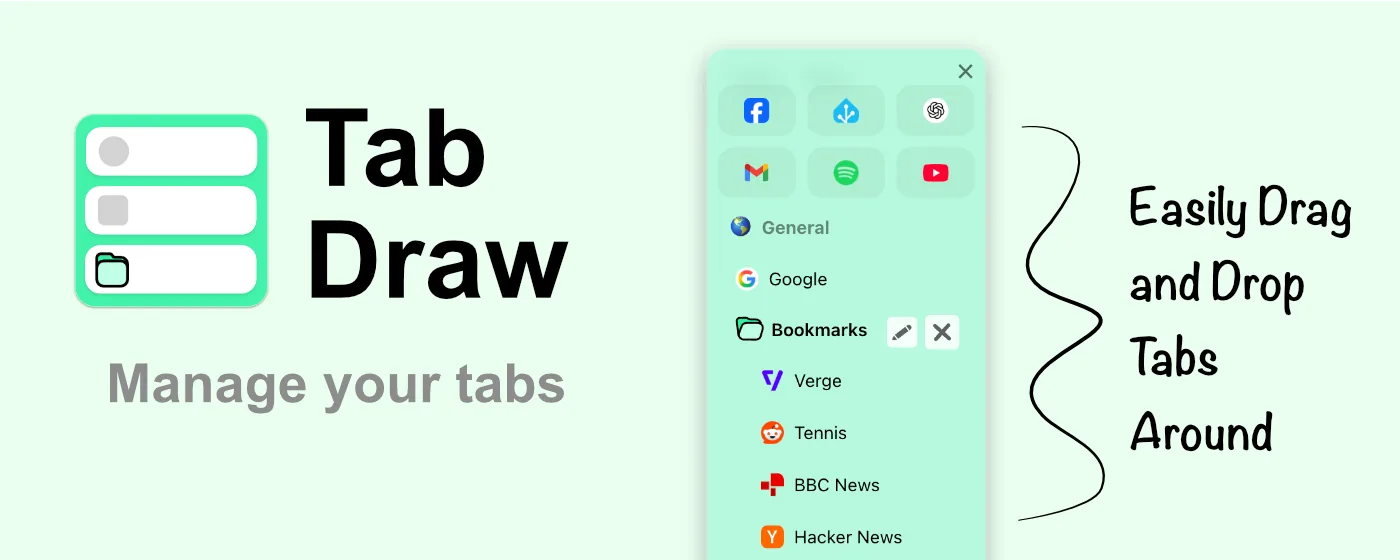
Tab Draw is available to download now. Get Tab Draw on the Chrome Web Store.
Tab Draw is a vertical sidebar extension inspired by Arc Browser’s sidebar, designed to help you quickly organise your tabs and boost productivity while browsing the web.
⭐️ Key Features:
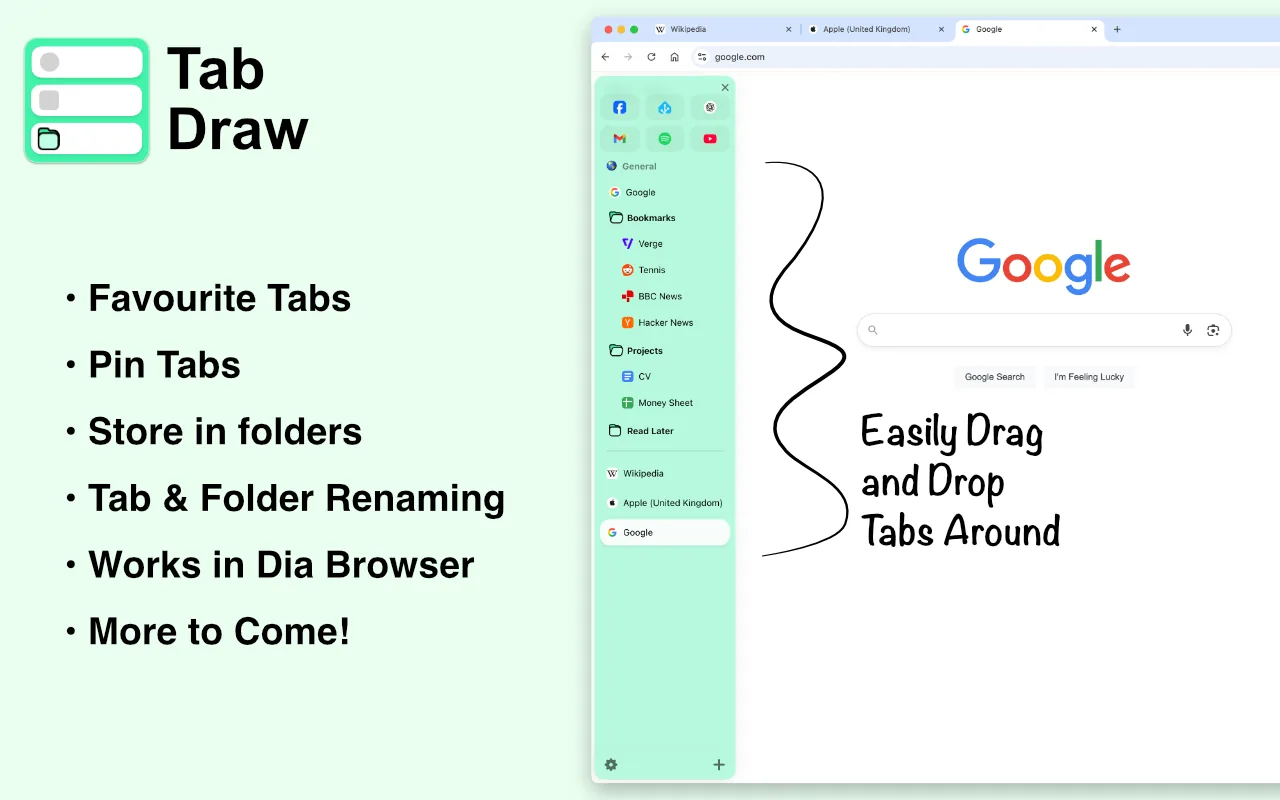
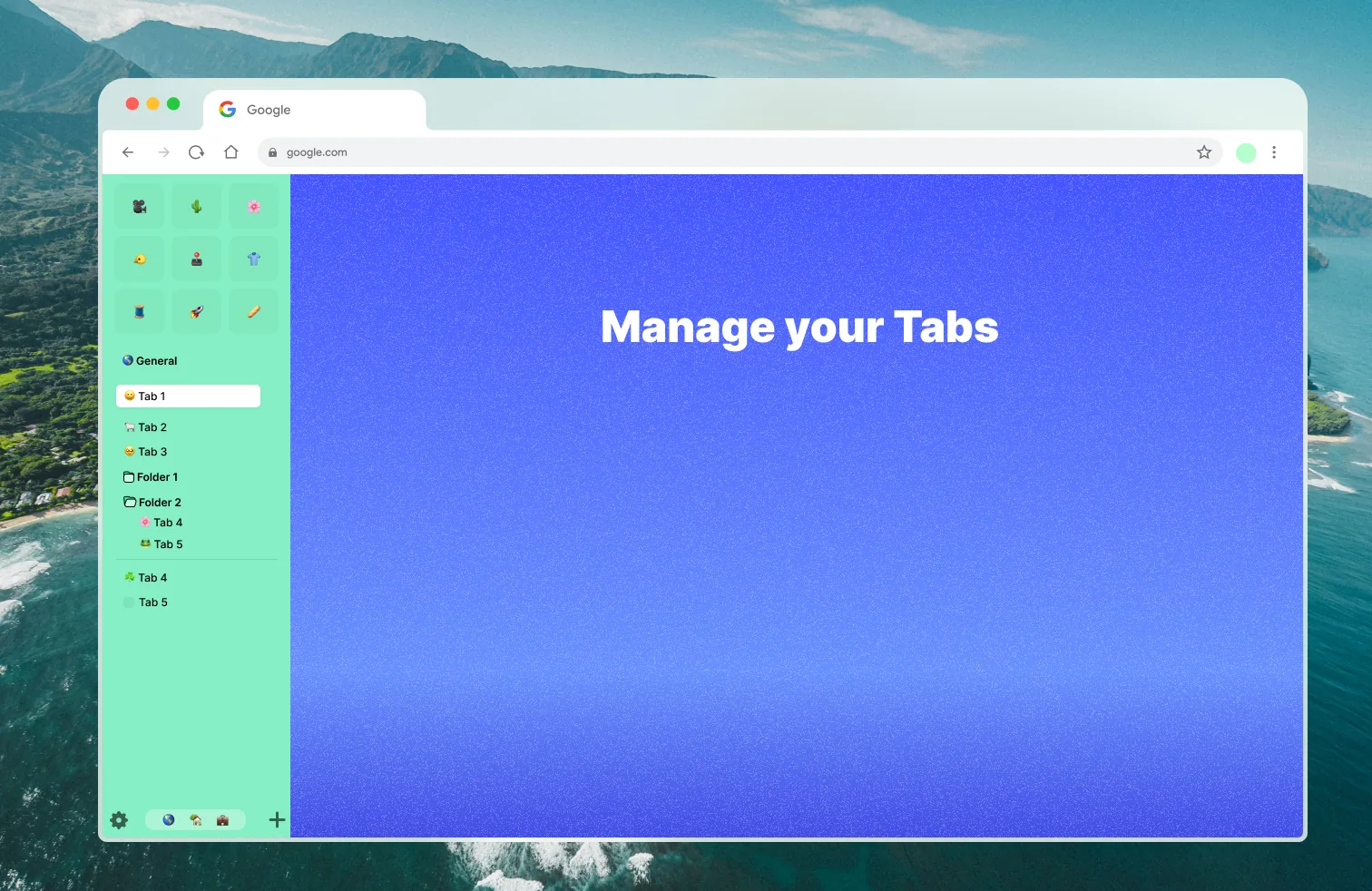
• Organise your tabs in dedicated sections: favourites, pinned, or inside folders
• Quick access: Activate the sidebar instantly with shortcut keys
• Drag and drop: Easily rearrange tabs and folders
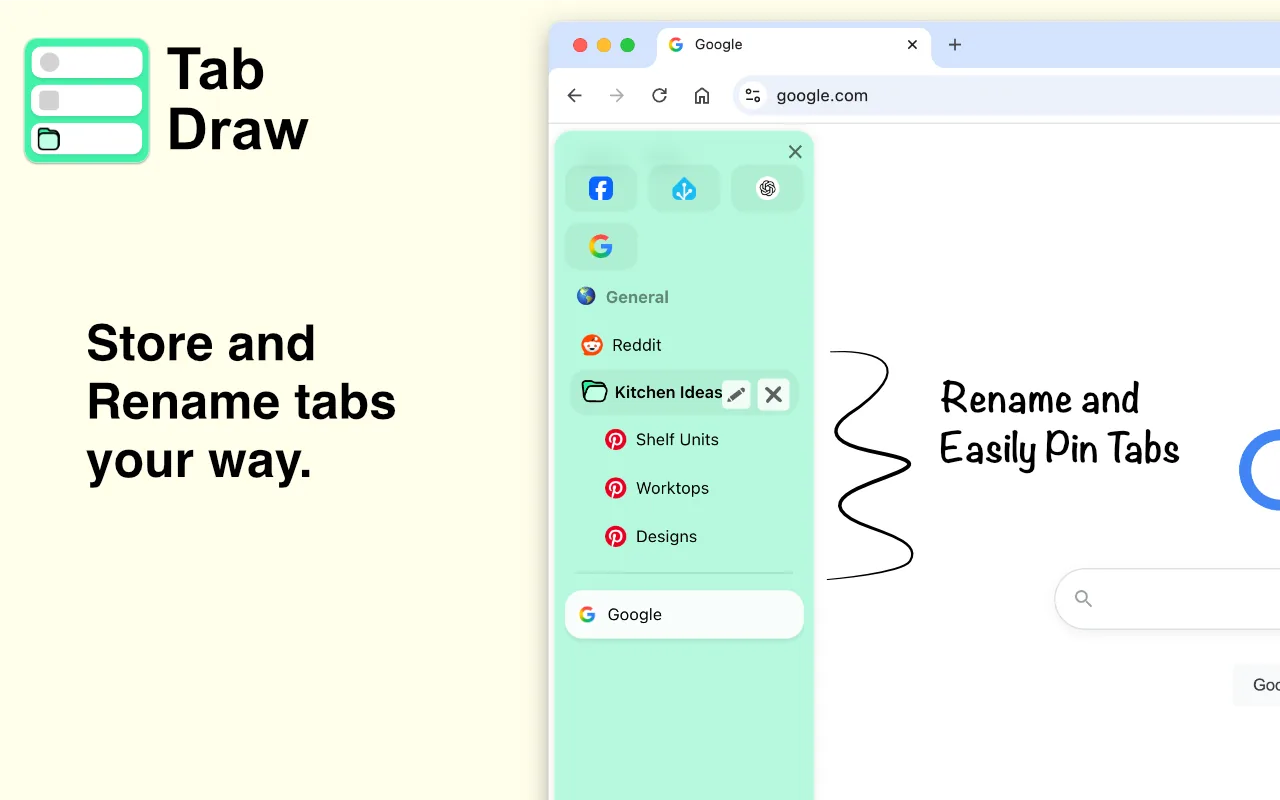
• Rename tabs and folders for better clarity
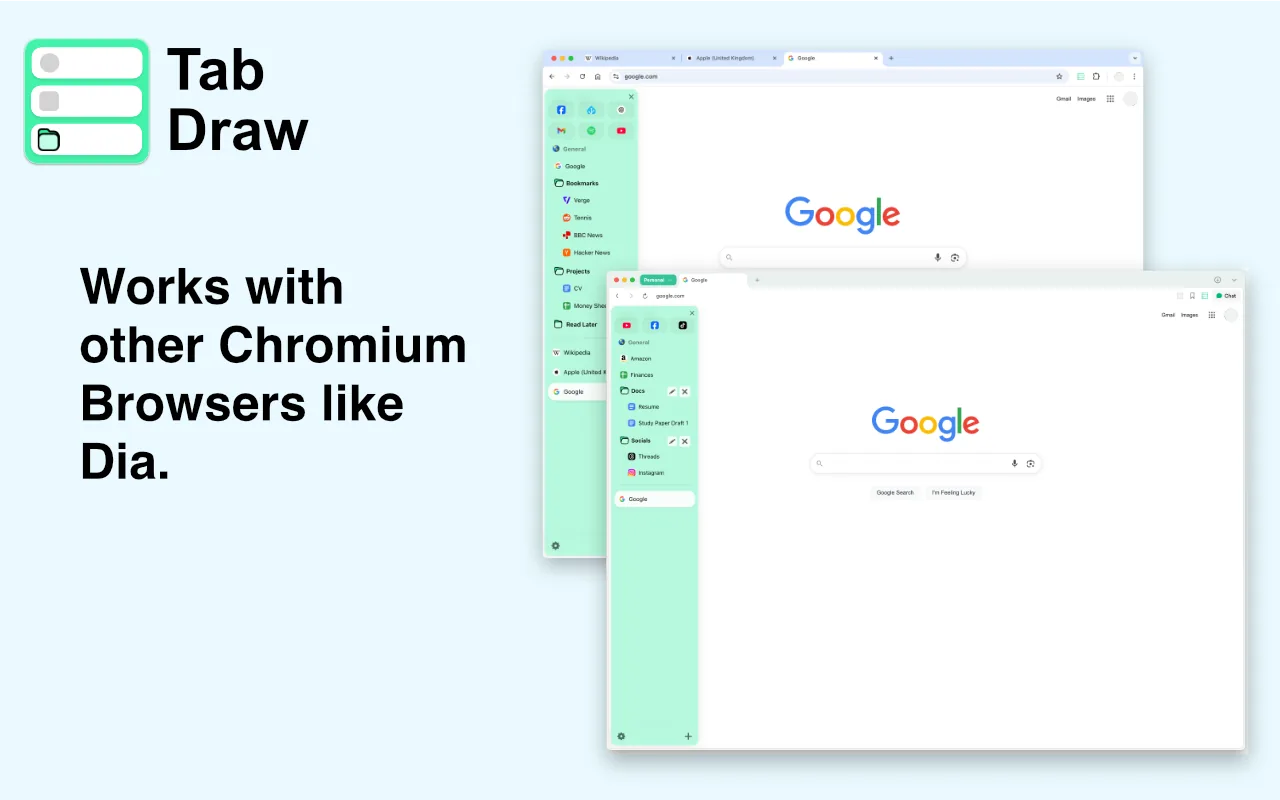
• Compatible with browsers like Dia
⌨️ Keyboard Shortcuts The sidebar appears on every web page for easy access. To open it quickly, use the keyboard shortcuts below (you can customise them at chrome://extensions/shortcuts):
• MacOS: Cmd + Shift + S
• Windows: Ctrl + Shift + S
The graphics below are used on the Chrome Web Store
Figma Design
Read the Tab Draw Privacy Policy.