Tubular Donation UI
When: 🕒 2019 - 2021
Build with: Chromium, Raspberry Pi, Flask.
See related projects:
- Find more out about - Tubular Systems Ltd.
- Tubular Donation UI
- Tubular Kiosk Design
About
This was quite an ambitious project, as all our software development relating to the machines was outsourced. At that point, I had only built basic HTML, CSS and JavaScript sites.
I wanted to harness the power of web APIs to build the front end. It seemed the best match for creating interactive content and it was what I had been learning in my free time. Previously, all our systems used static JPG images in the user interface (UI), resulting in blocky and less intuitive interactions. So, I took it upon myself to make this work.
The Raspberry Pi, a credit card-sized computer, was the brains of the system. I found a company that produced a "Pi Hat", which allowed the card reader to communicate directly with a Raspberry Pi. Before this, we used an interface called a Pay Link, which was a very large metal box that took up a lot of space and had many wires connected to it. This Pi Hat worked wonders and reduced the internal hardware significantly. The creator of the Pi Hat was able to write a script so I could communicate directly with it from my front-end web UI. My web application would use AJAX requests to communicate with the card reader.
I customised the Raspberry Pi to boot up the Chromium browser in "Kiosk Mode", which allowed the browser to fill the entire screen. I also added other customisations to the Raspberry Pi to theme it around "Tubular Systems", making it feel like a bespoke device.
USB Importer
This was one of my first experiences creating a Python script, despite using Flask. I was able to develop a script that would read a YAML file. Any customers who owned their systems received a physical door key, allowing them to unlock the system and insert a USB memory stick into the Raspberry Pi.
To keep it simple for the customer, I decided to create a YAML config file that allowed them to set hex colour codes and other text in the UI. There was also a folder on the USB stick labelled "images", which housed all the images they could change.
I even developed a "secret mode" that enabled me to update the web application directly from the memory stick in case any future bugs were discovered, as the system was not connected to the internet. However, we were exploring the possibility of connecting it to the internet and integrating it with the Smart Donation Hub.
The system could also capture Gift Aid information in the form of a .CSV spreadsheet file. If the memory stick had the Gift Aid option set to "True", the script would upload the .CSV to the USB stick and delete any records on the system.
The flow worked like this:
- Insert the memory stick.
- An alert pops up to provide information about the files being uploaded.
- If the YAML file specifies Gift Aid, the .csv spreadsheet is uploaded to the USB stick and any records on the system are deleted.
- Once all files have been updated, another alert informs the customer that it is safe to remove the memory stick.
Front End Ui
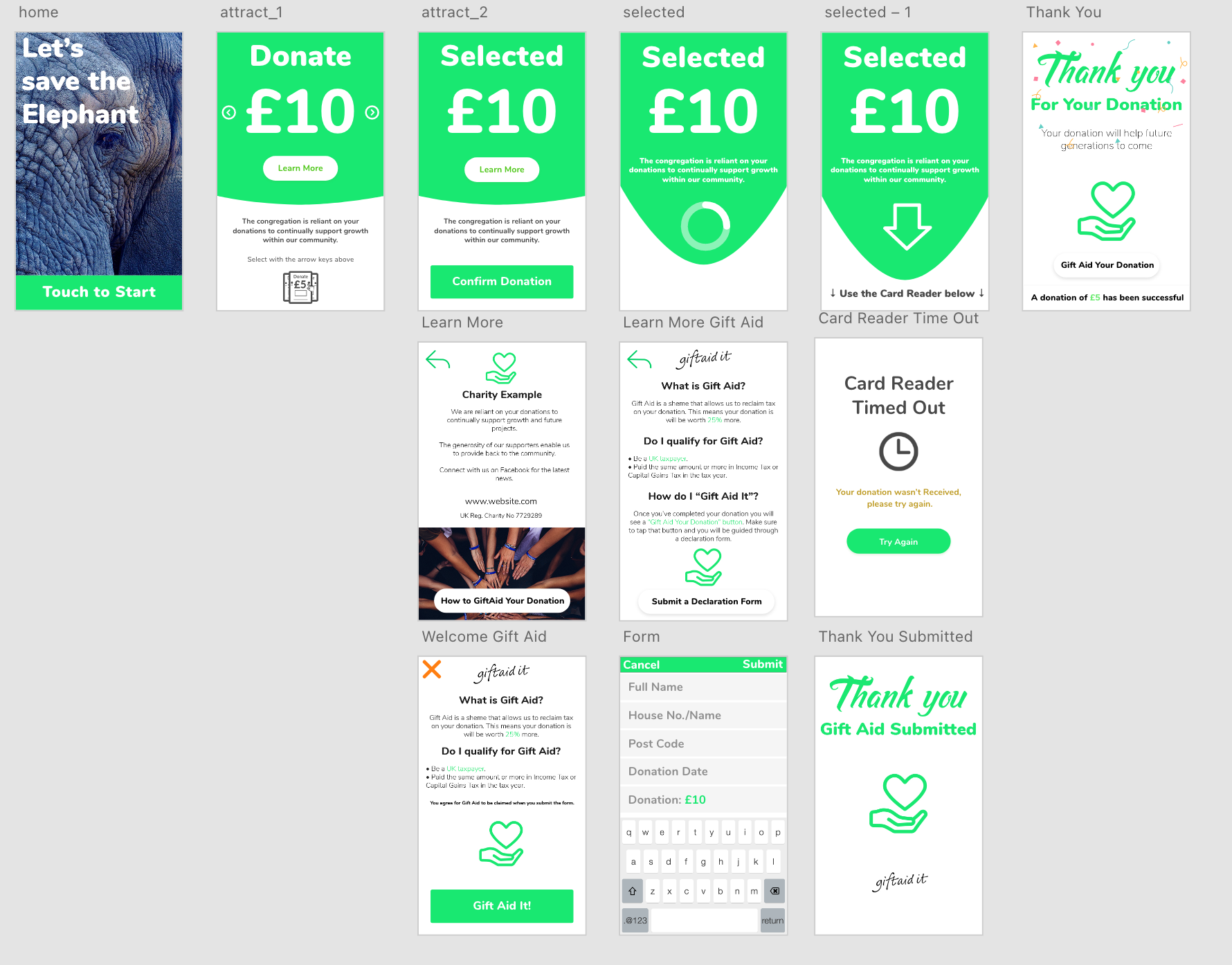
I designed all the UI elements in Adobe XD. It was incredibly rewarding to have greater creative freedom with animations and the user journey, rather than being limited to static JPG images.
This video demonstrates the final coded production version running in the Chrome browser. I have shown mouse clicks so you can visualise touch interactions.
A brief demonstration of how the machines operate.
One of the major problems with the previous user journey was the need to leave the touchscreen and press a physical green button on the card reader. I was now able to give the touchscreen more control over the card reader, resulting in a much more polished experience.
The user journey now looked like this:
- Press "Touch to start" on the touchscreen.
- Select and confirm the donation amount, or learn more about the charity and cause.
- Proceed with the payment.
- A success screen appears, accompanied by animated confetti.
- If Gift Aid form capture is enabled, the donor can leave their Gift Aid information.
Gift Aid
The video below demonstrates how the Gift Aid process works.
This was primarily a trial feature for Gift Aid collection while the machines were offline. We were also considering other options, such as a more automated Gift Aid service provided by SwiftAid, which I believe would have been an excellent choice if we had progressed further with the development of this project.
As the touchscreen for the Raspberry Pi does not provide a built-in keyboard, I found an excellent JavaScript-based library for a virtual keyboard and was able to implement it into the project. I received highly positive feedback on the keyboard, people thought we were using Android or an iPad! The keyboard needed to be familiar to users and with some customisation, I was able to get it working perfectly.
Tubular in Church!
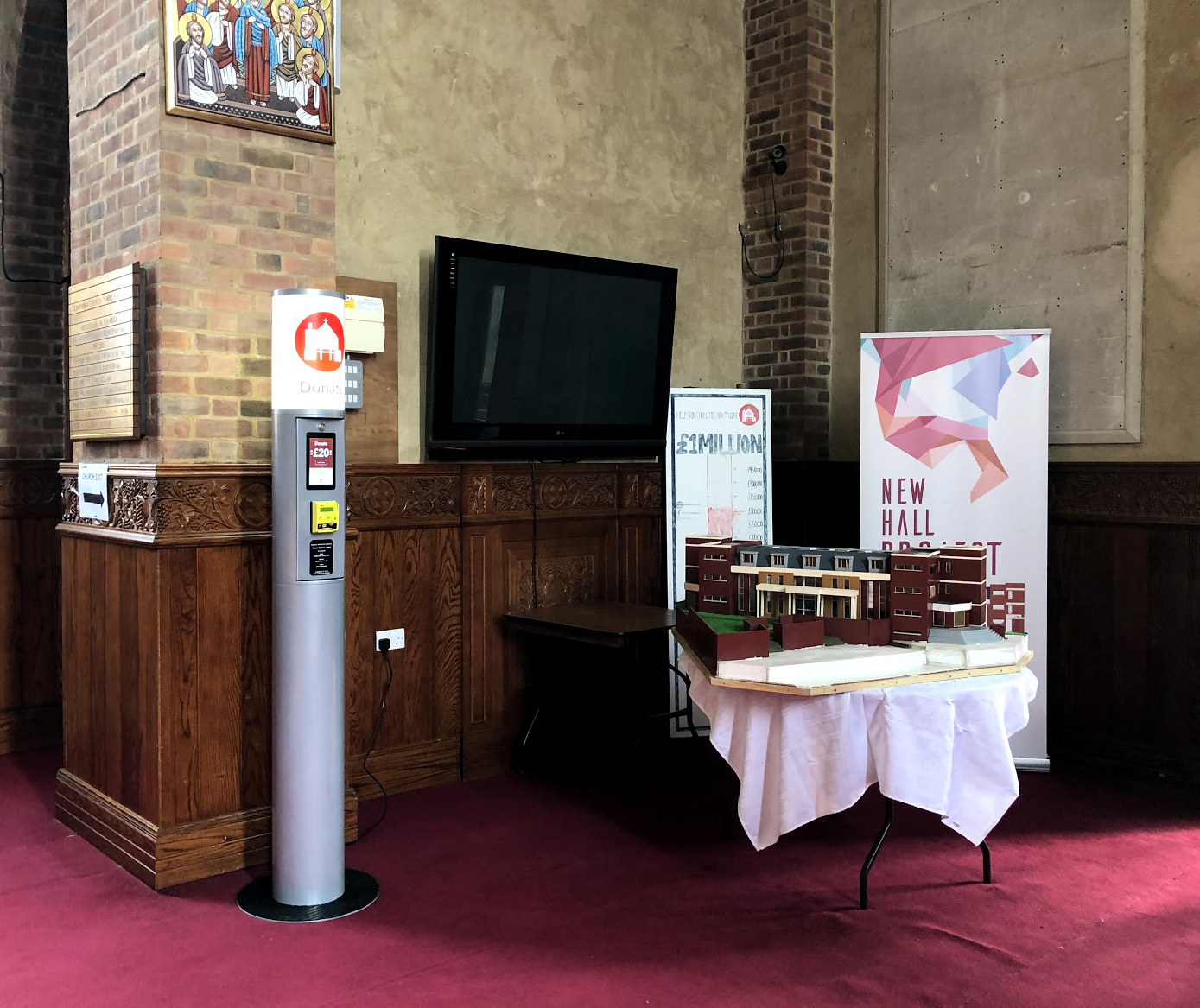
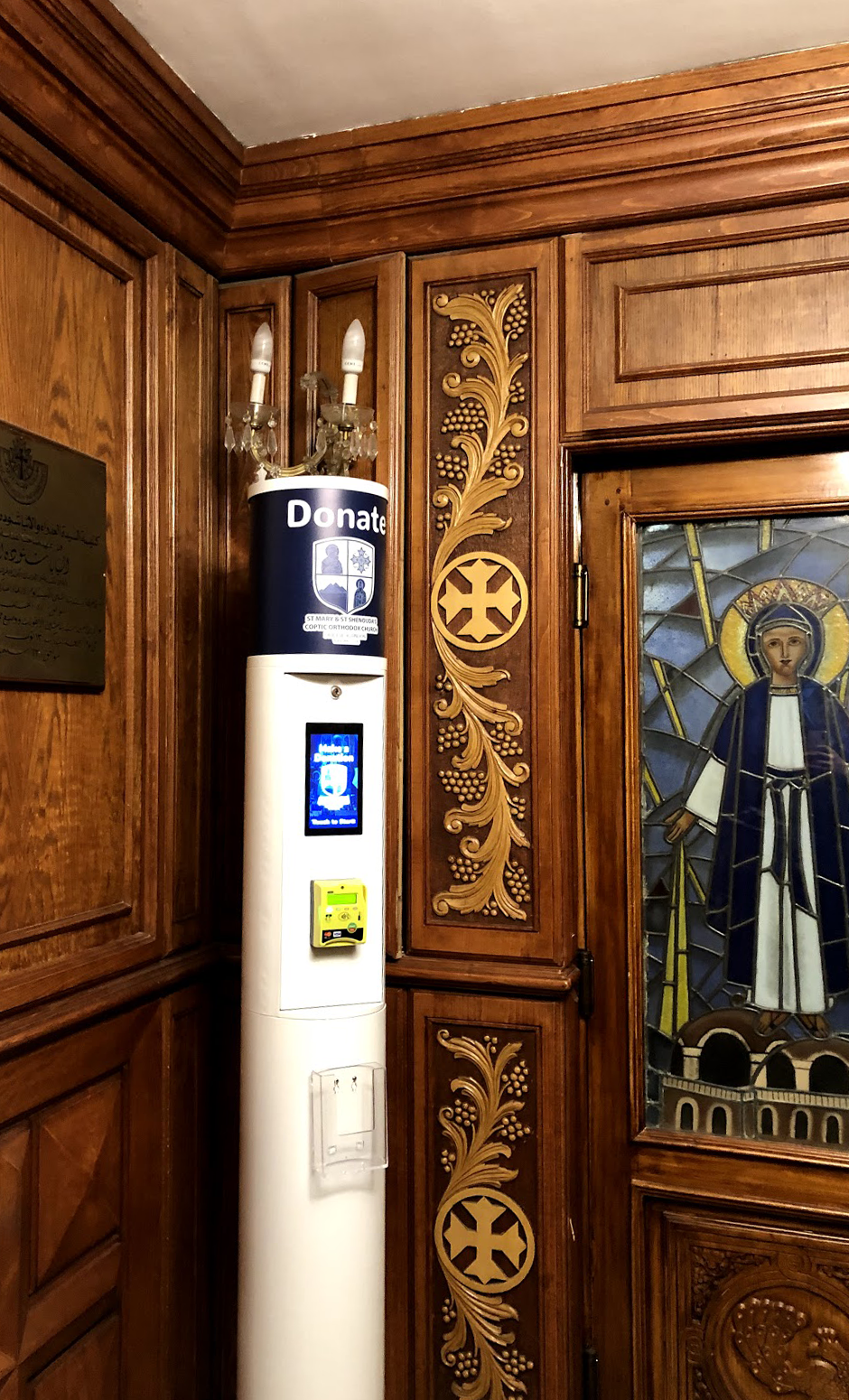
I have attached two photographs of the Tubular Donation Kiosks in two wonderful churches that continue to raise funds for their communities.